
From the resume you have to the application you send
Every capability on this page is shown with a screen from the product. The person in the screenshots, Alex Morgan, is fictional.
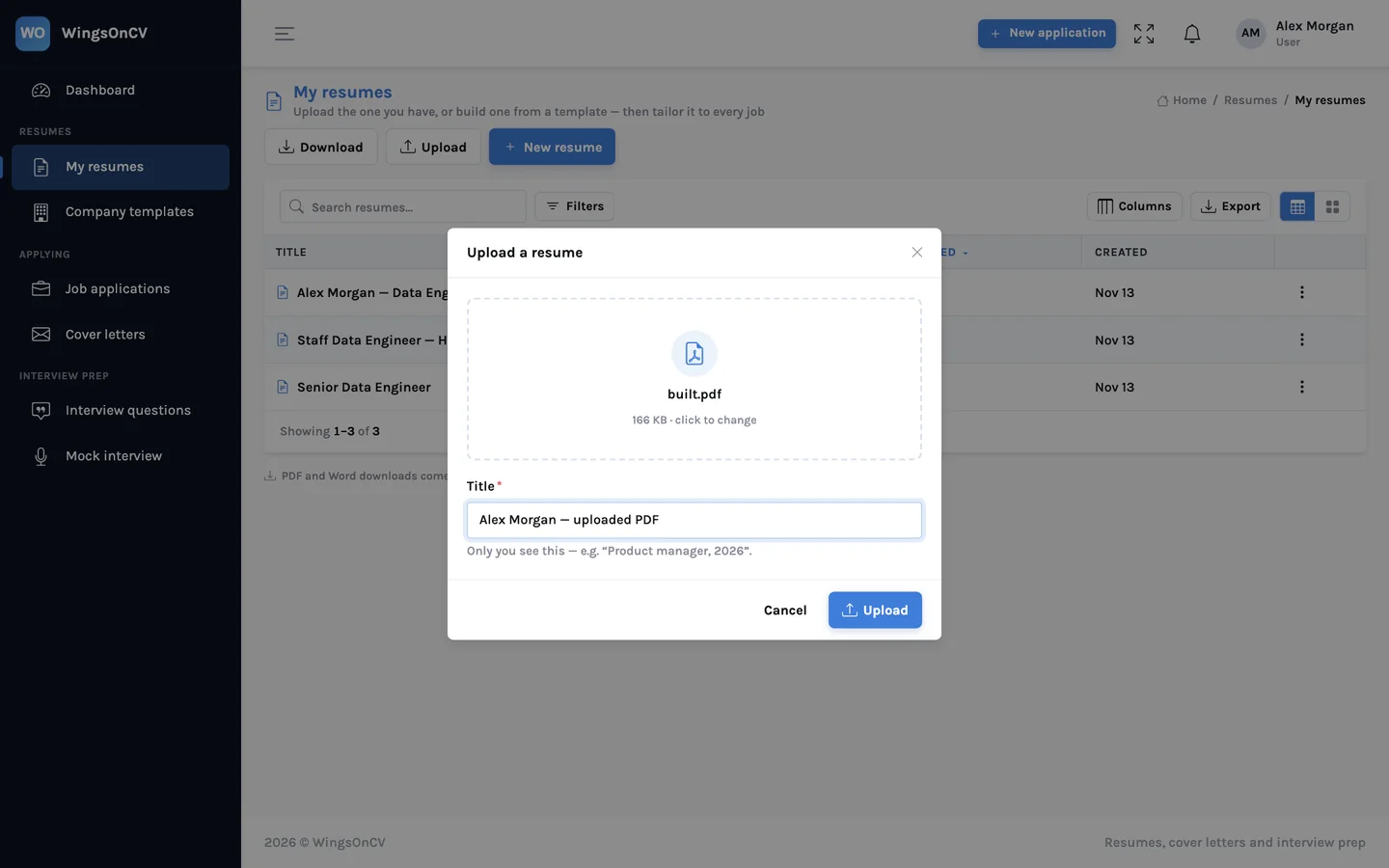
Start from what you have
Upload the resume you already send out, as a PDF or a Word file, and it becomes an editable resume with its sections recognised. Or pick a template and start typing.
- PDF and Word (.docx) uploads
- Sections, roles, dates and skills are picked out for you
- Nothing to retype: fix what was misread and carry on
A visual builder with real pages
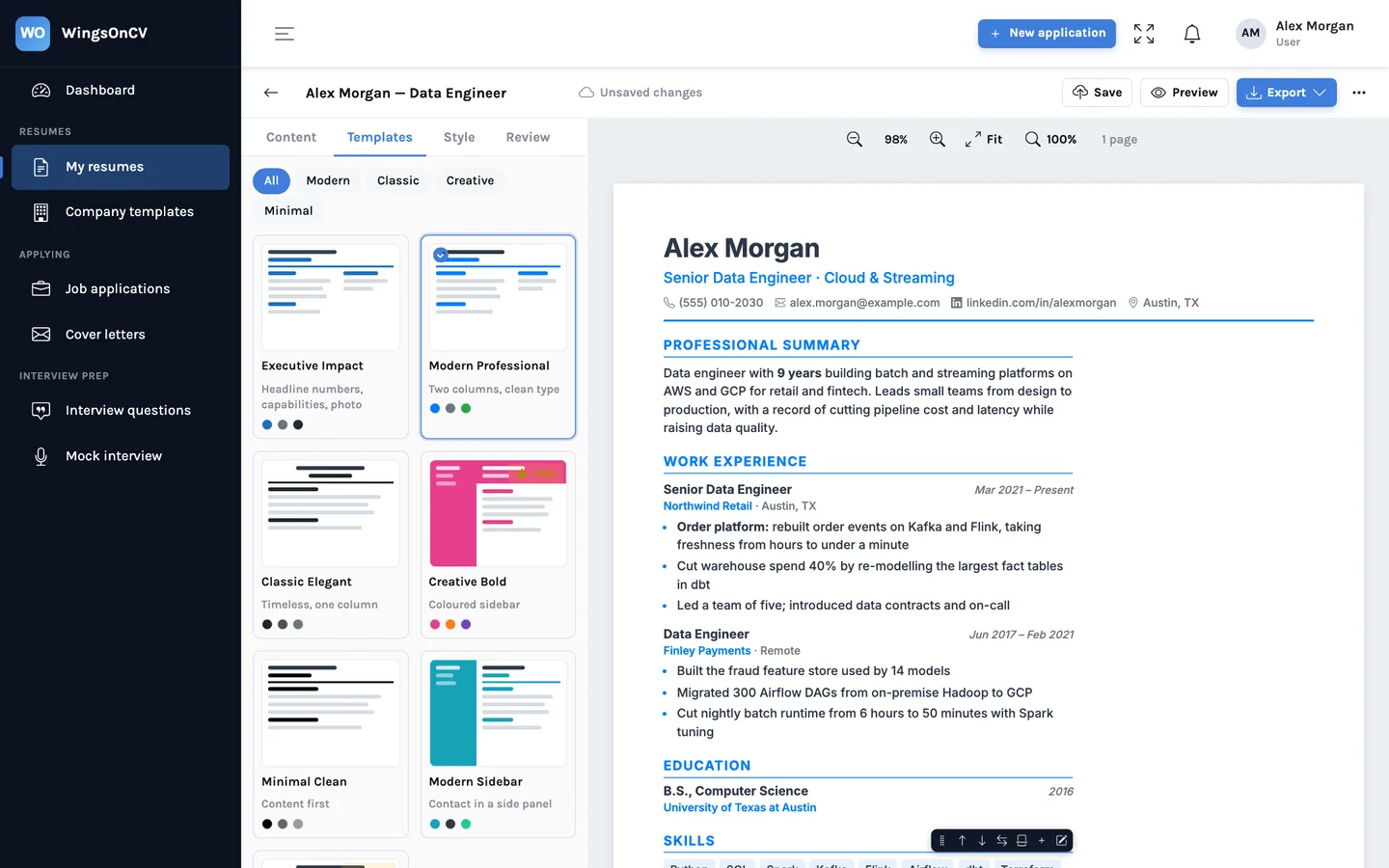
Edit on the page itself. Sections have handles to drag them, move them to the other column, or start a new page. The page breaks you see are the ones that print.
- Click any text and type; bold with **double asterisks**
- Headings stay with their first entry; long sections continue with the title repeated
- A4 and US Letter, with font, colour and spacing controls
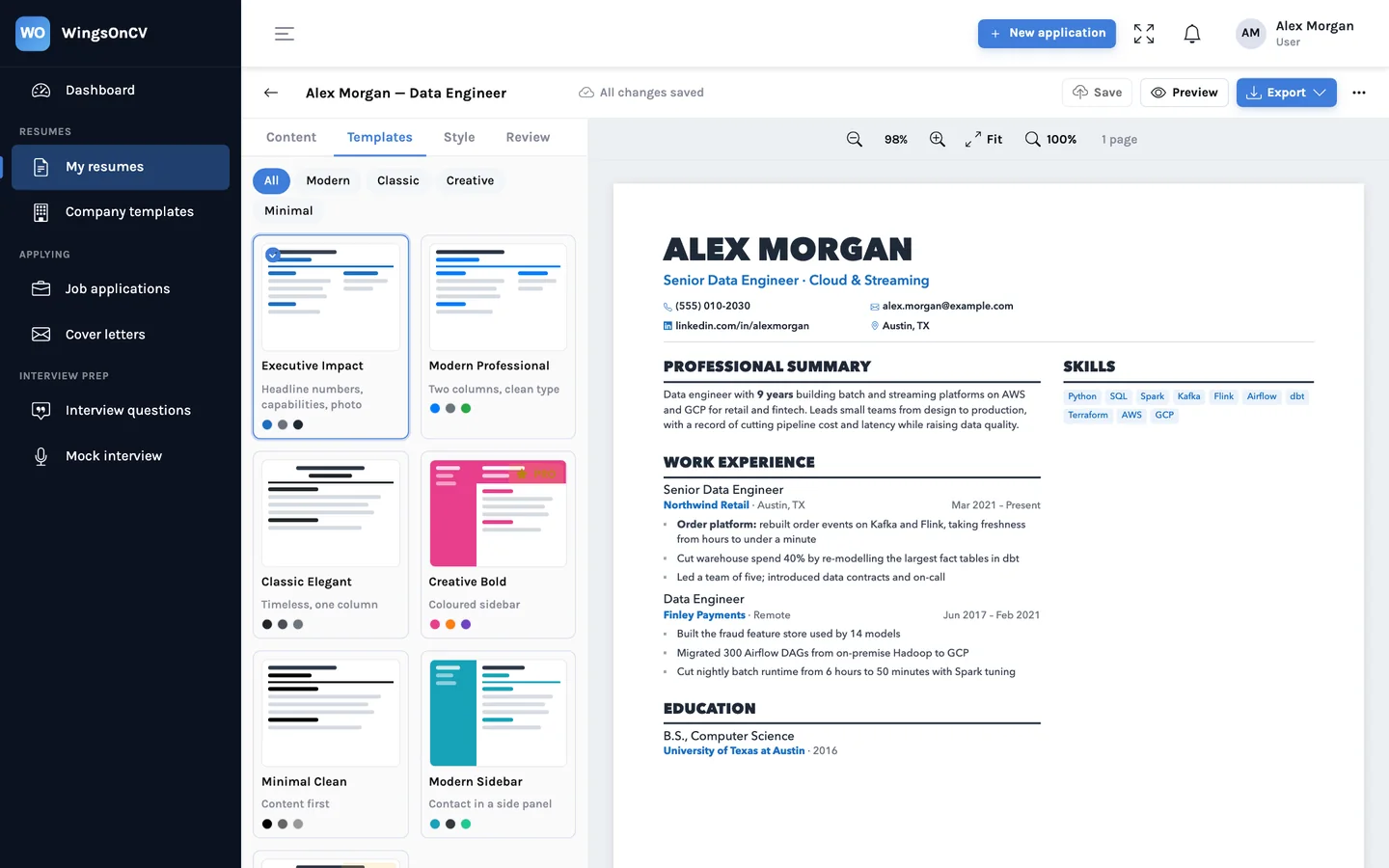
Templates you can switch without retyping
Single-column classics and two-column layouts with a sidebar, including an executive layout with highlights and grouped capabilities. Switching a template re-flows the same content.
- Content and design are separate, so nothing is lost on a switch
- Highlights, capability groups and custom sections
- Per-resume style settings
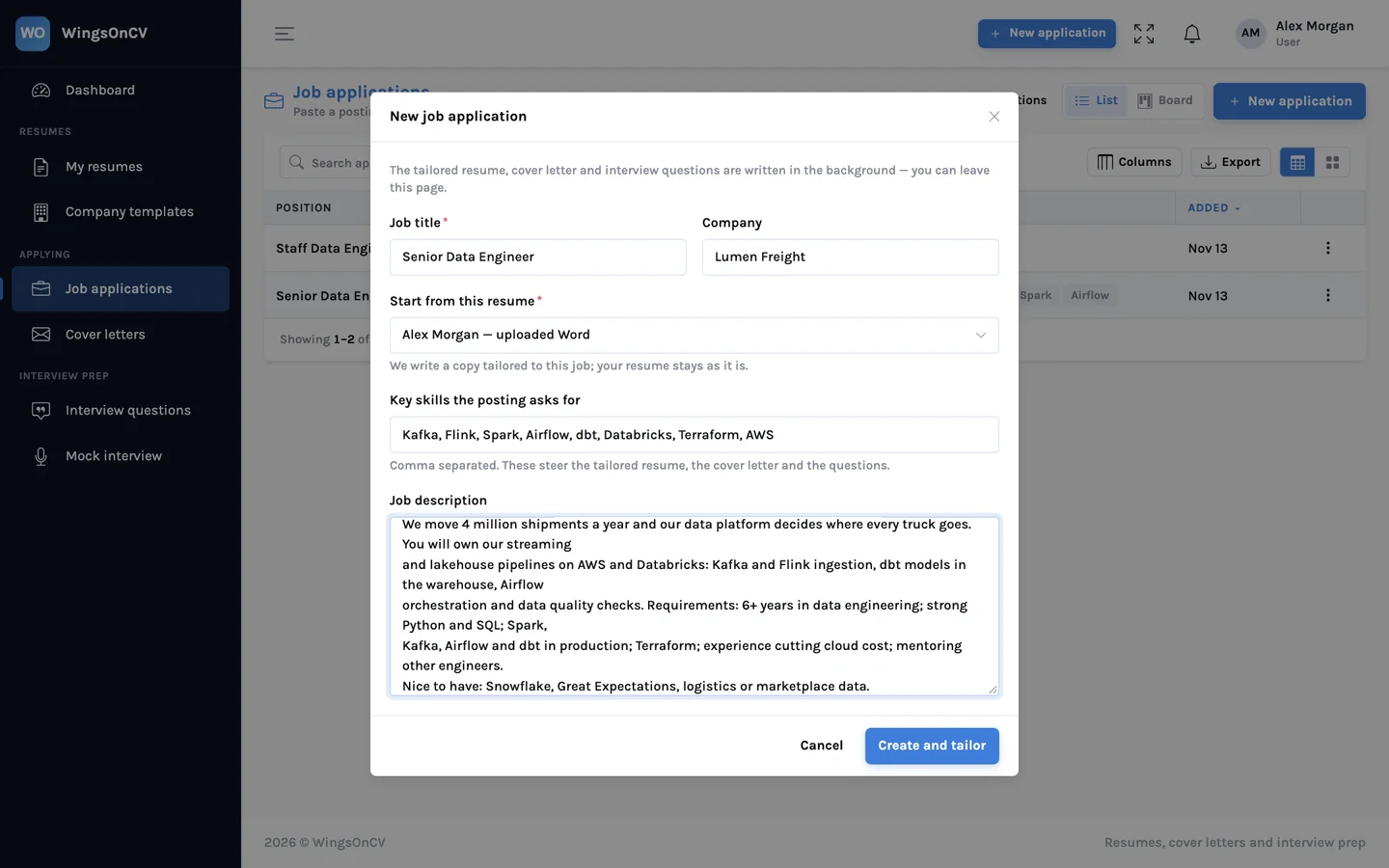
A resume written for one job
Create an application, paste the posting, and choose which of your resumes to start from. You get a tailored resume, a cover letter and interview questions, all saved with that application.
- Re-orders and re-words; never adds experience you don't have
- Keeps the look of the resume it started from
- Edit the result in the same builder
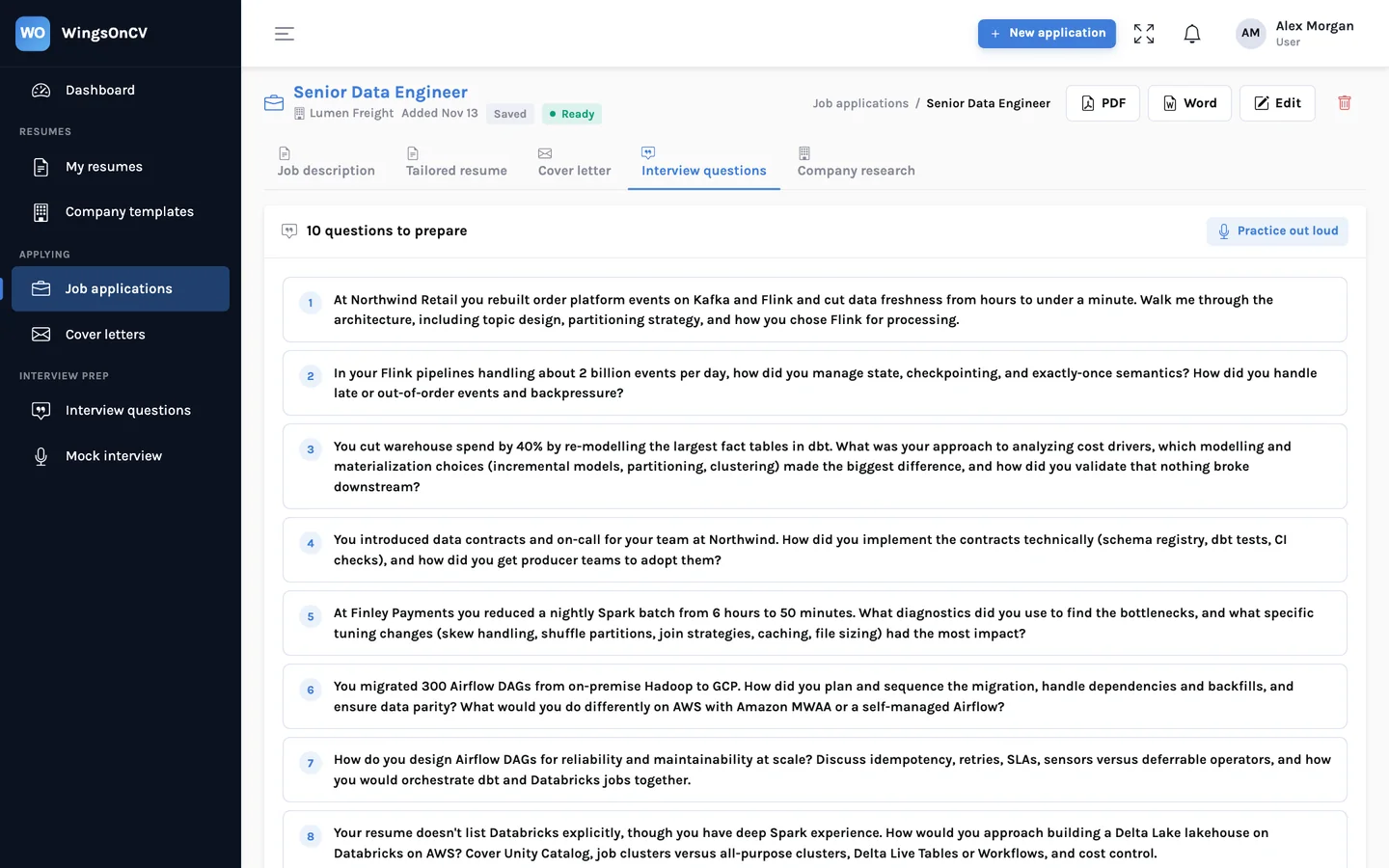
A review against the posting
The Review tab reads the resume the way a careful recruiter would: weak openers, missing numbers, lines that run long. With a job attached it also shows which of the posting's keywords you cover and which you don't.
- Checks you can act on, one bullet at a time
- Keywords covered and missing, from the posting itself
- "Improve with AI" rewrites a bullet using only what it already says
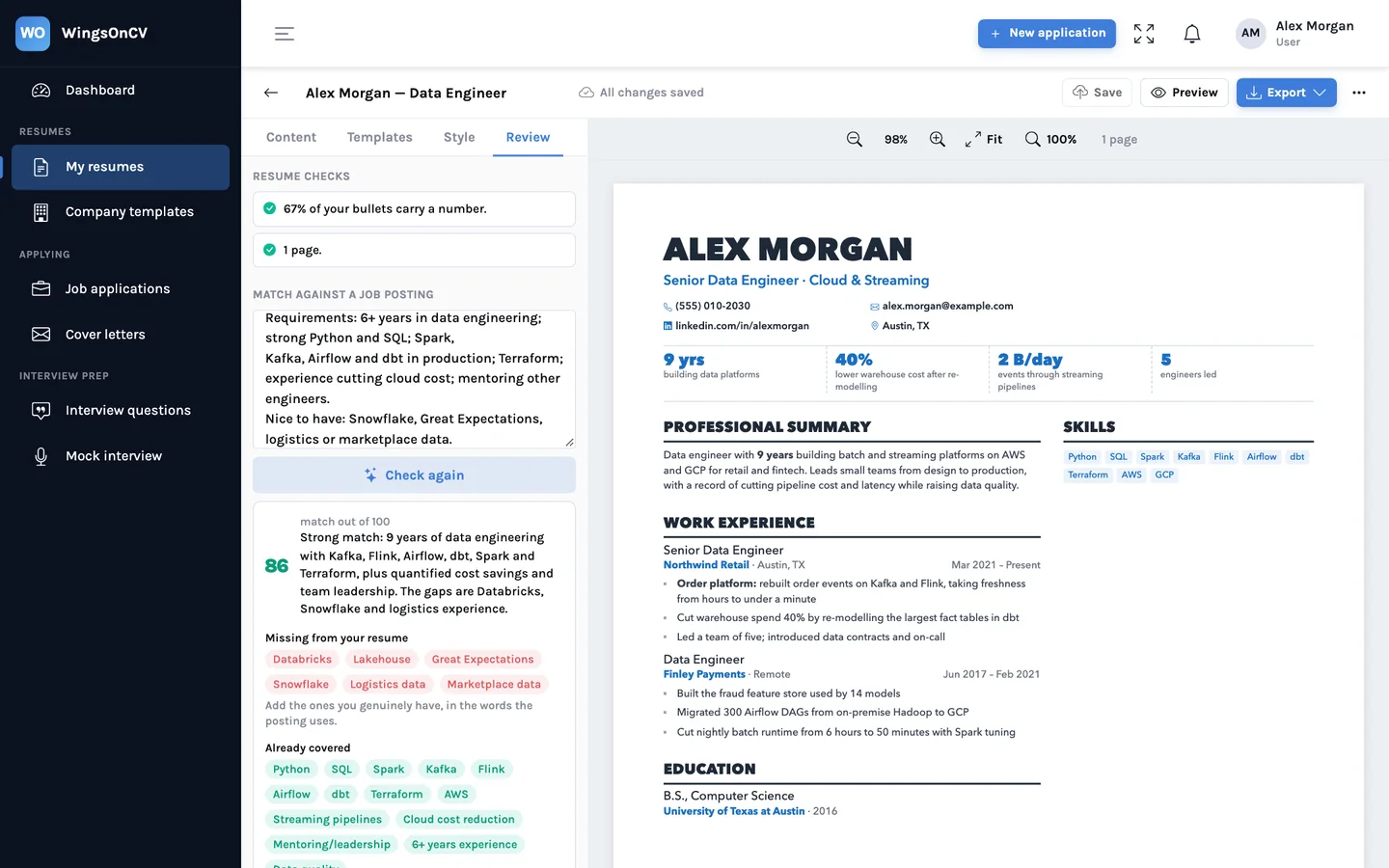
PDF and Word that look the same
One click downloads a PDF rendered from the exact pages on screen. Word comes in the same layout, or as a single column for application systems that read files top to bottom.
- PDF without the print dialog
- Word in two columns or a single-column version
- Download several resumes at once as a zip
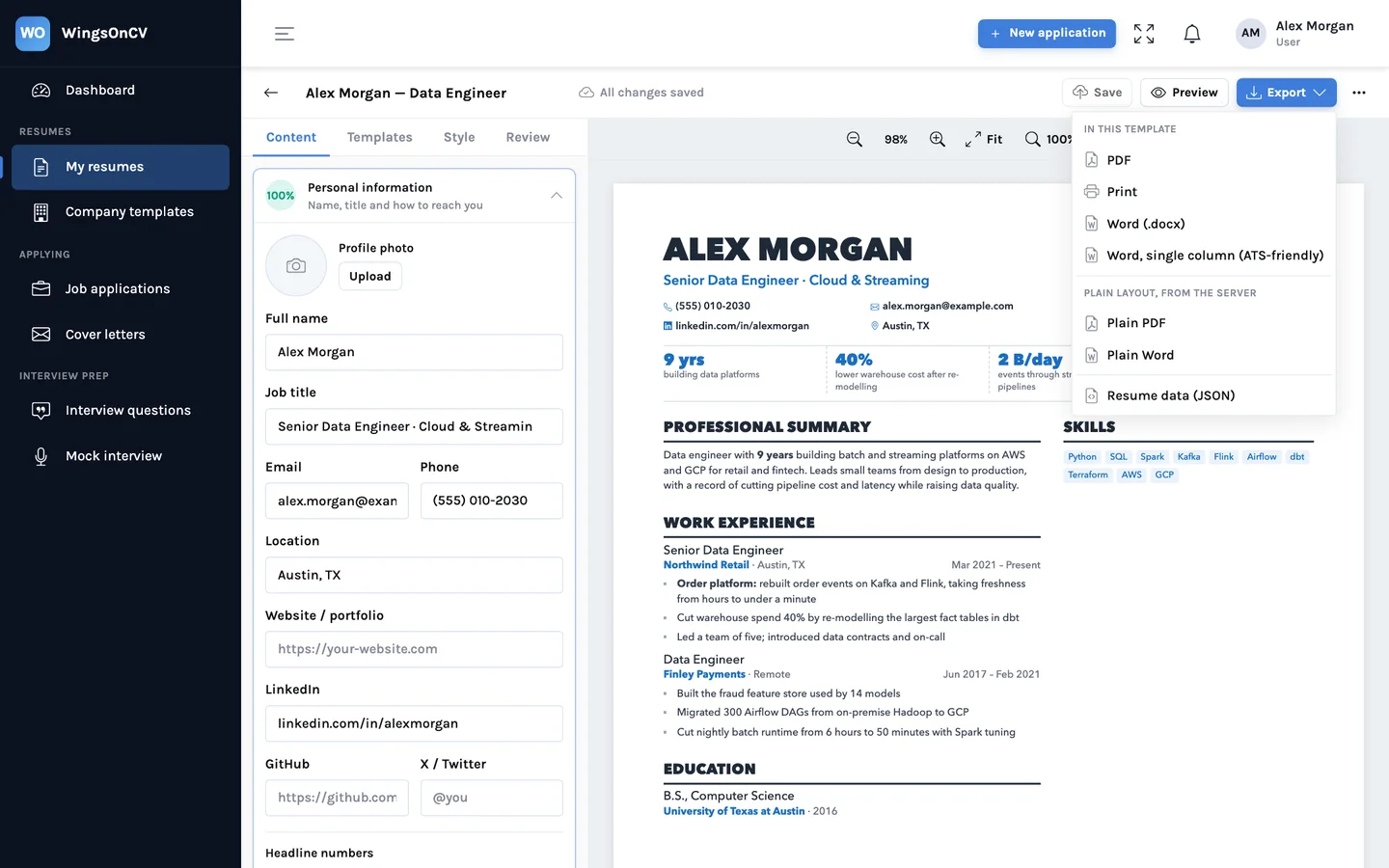
A board for every application
Applications sit on a board from Saved through Applied and Interview to Offer. Each card keeps the posting, the resume you sent, the cover letter and your notes together.
- Drag a card when the stage changes
- The exact documents you sent, attached to the application
- Notes, dates and next steps on each card
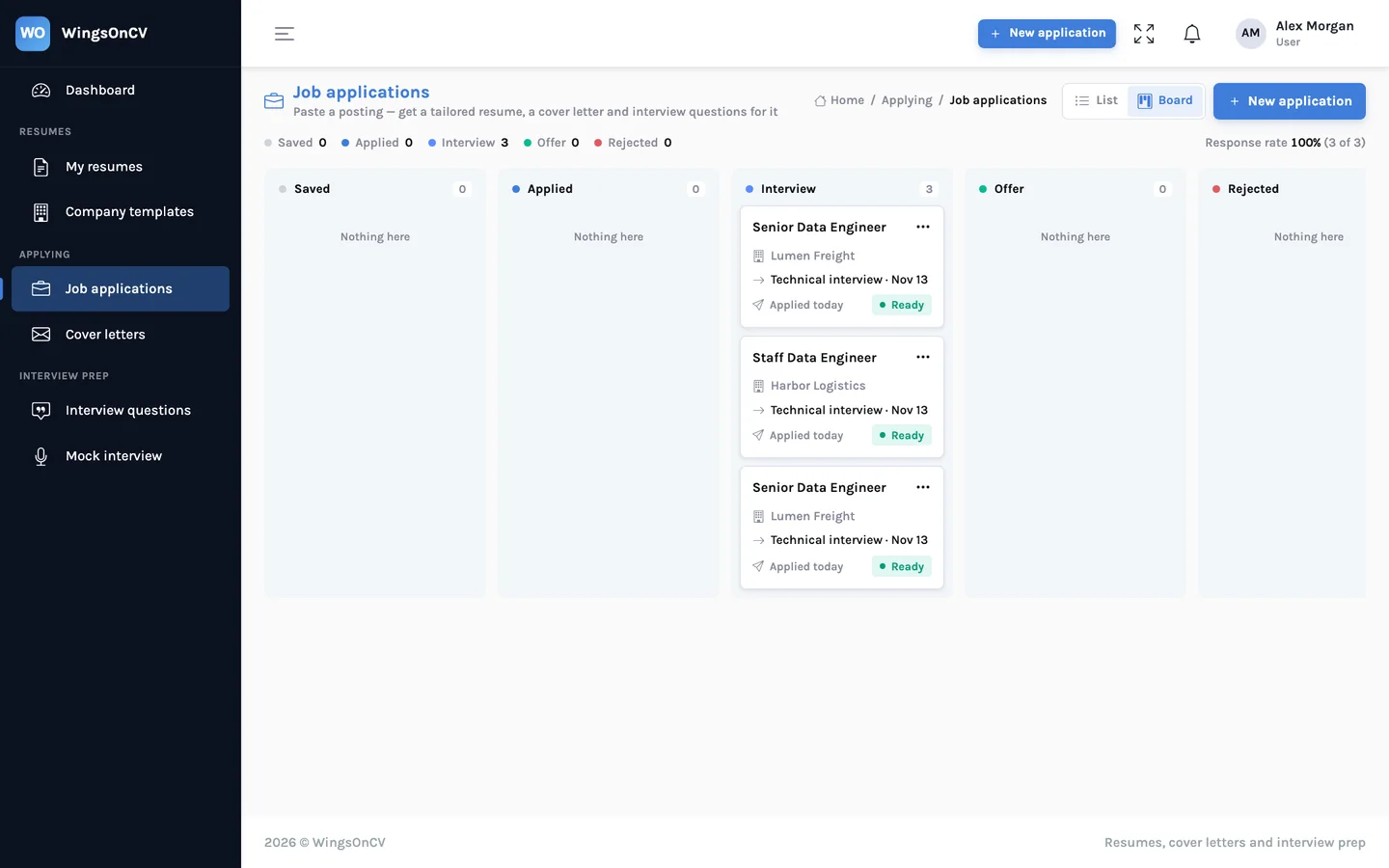
Prepare for the interview you applied for
Questions are generated from the posting and your own resume, so they are the ones this role is likely to raise about your background. A practice mode reads a question and lets you answer out loud.
- Questions tied to the role and to your experience
- A list per application, ready before the call
- Practice mode in browsers that support speech
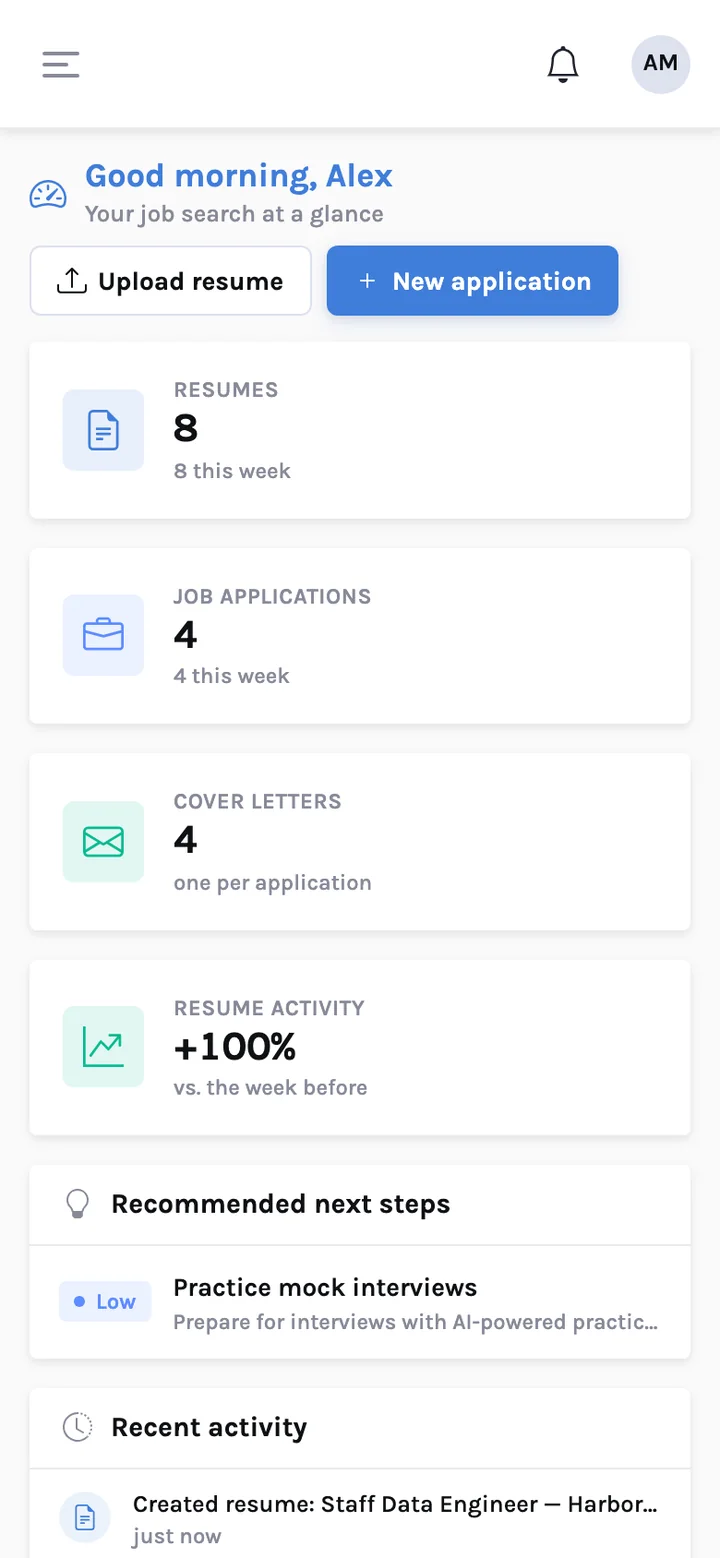
Works on the phone in your hand
Job postings turn up at inconvenient moments. The dashboard, your resumes and the tracker all work on a phone, so you can save a job and start an application wherever you are.
- Same account, same data
- Save a posting now, polish at a desk later
Email the job, get the resume back
Forward a job posting from the address on your account and receive the tailored resume as a reply, without opening the app. It is built and being tested; it is not switched on yet.
- Only replies to the address on your own account
- Only for mail your provider has verified as really yours
A resume for the job in front of you
Add the resume you have, paste a job posting, and see the tailored version before you decide anything.