Before you upload a resume anywhere, it is fair to ask what happens to it. A resume holds your name, phone number, email address, the city you live in and your full work history. Combined, that is enough to impersonate you, to spam you, or to tell your current employer you are looking. It deserves more care than a marketing page saying "we take security seriously".
This post describes, in general terms, how WingsOnCV handles that data today. It also lists what is not finished. We have left out implementation detail on purpose: describing exactly how a check works mostly helps the people trying to get around it.
What is private by default
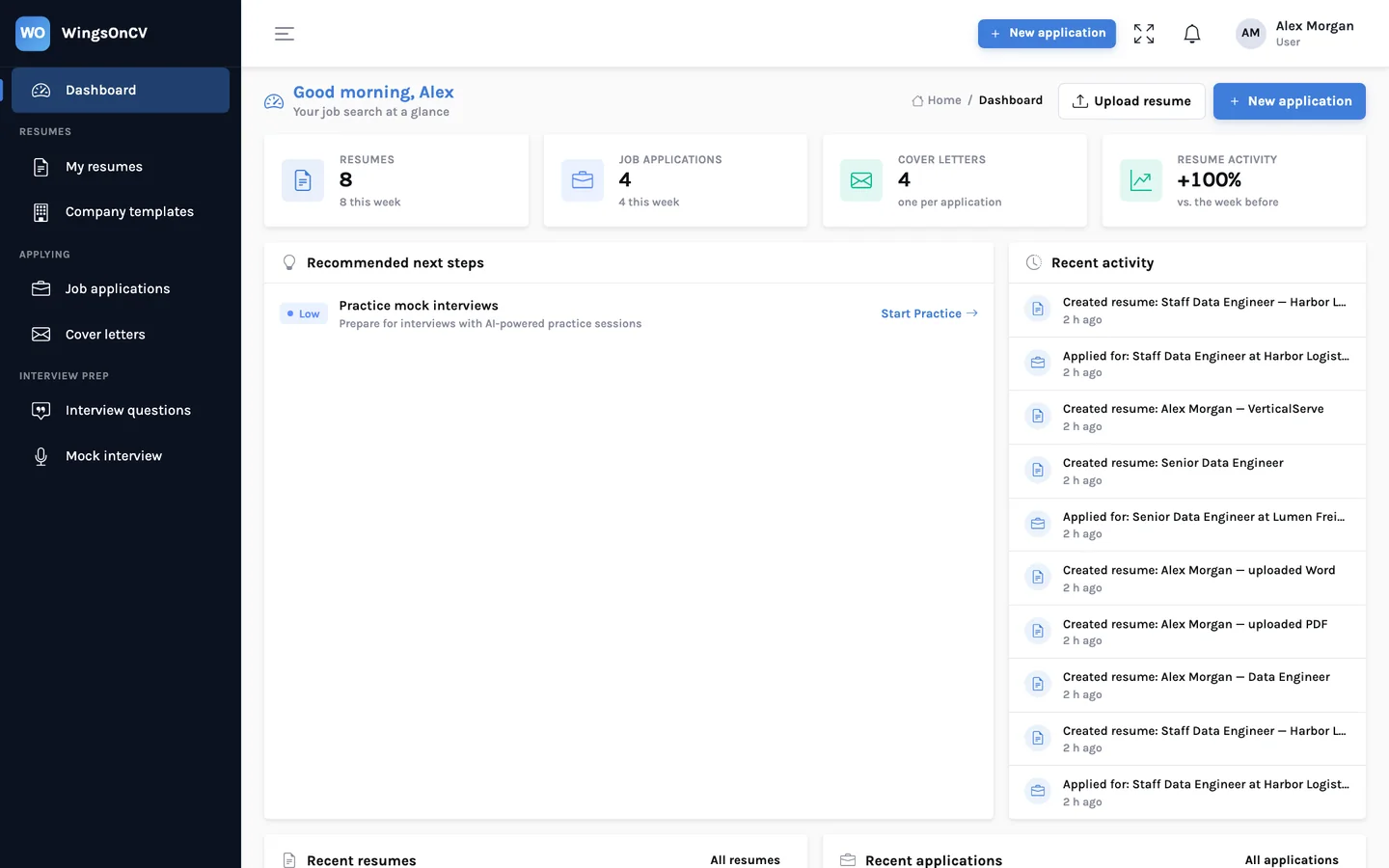
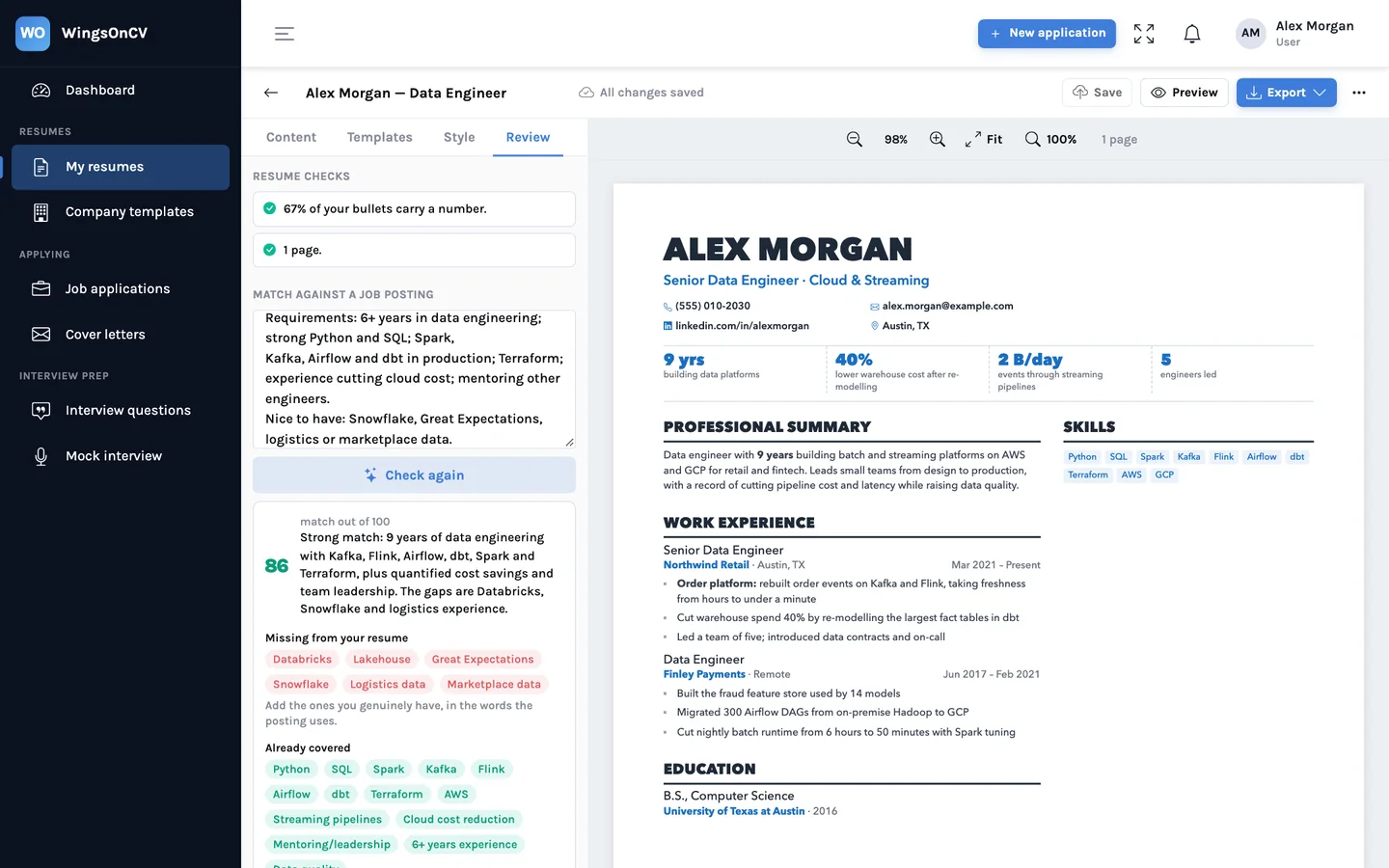
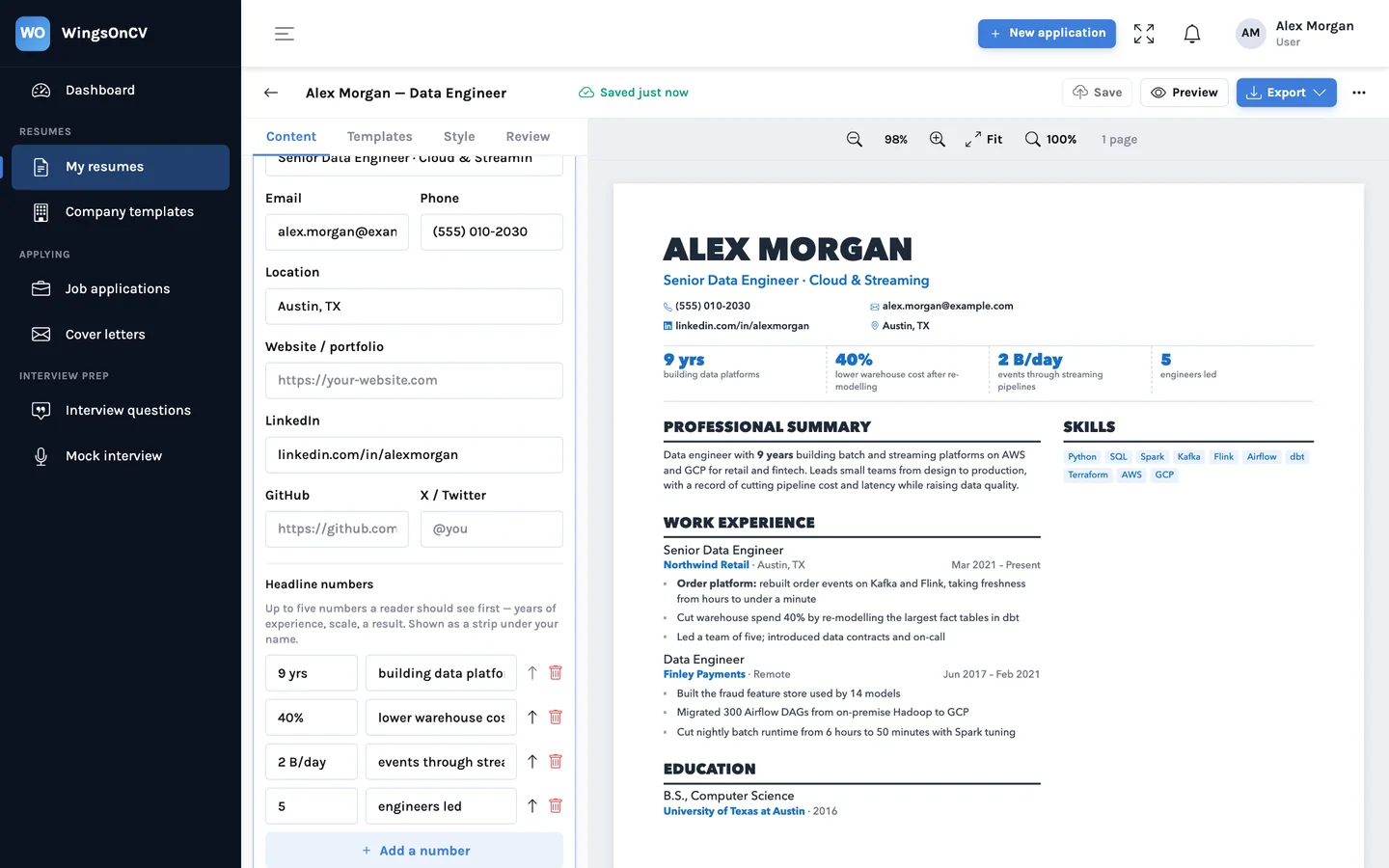
Everything you create belongs to your account: each resume, each job application, each cover letter, each set of interview questions, and your notes on the tracker. The rule is simple and has no exceptions for ordinary users.
- Another account cannot open your documents. Not by guessing an address, and not by asking for a list.
- Nothing is public. There are no shareable links, no public profile and no directory of users. Search engines have nothing to index.
- We do not send your resume to anyone. A resume leaves the service when you download it and send it yourself. Employers and recruiters have no view into WingsOnCV.
- Team features stay inside the team. A company template can be published to the other members of the same organization by its administrator. It is a layout and a set of rules, not anyone's resume.
Four layers between a request and your data
No single check is relied on. A request to read or change something passes through sign-in, then an ownership check, then usage limits, and only then, if it is an AI feature, reaches a model.
1. Getting in
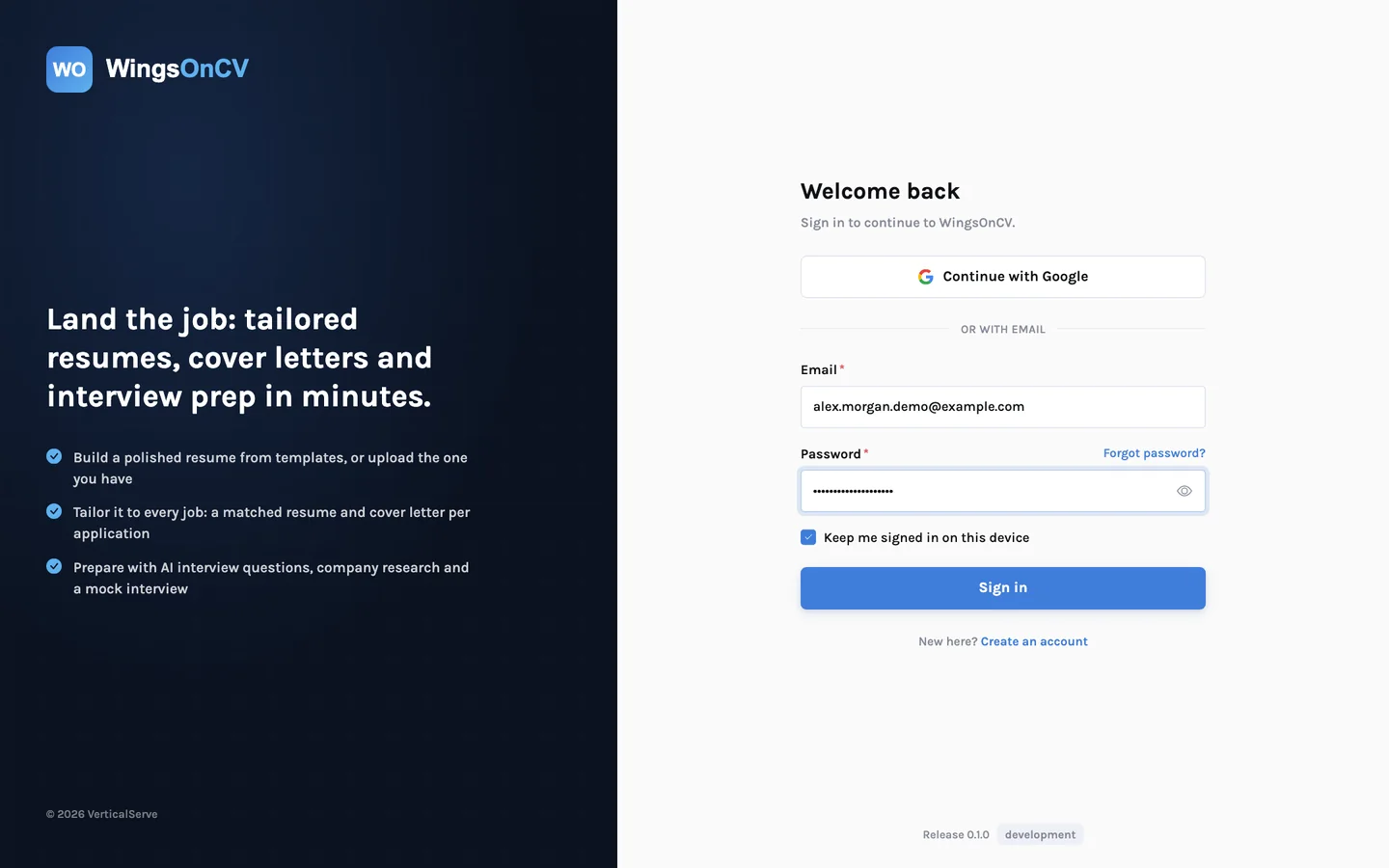
You sign in with Google or with an email address and password. Passwords are stored only as a salted hash, which means we cannot read yours and neither could someone who obtained the stored value. Repeated sign-in attempts from the same place are slowed down, which blunts password guessing.
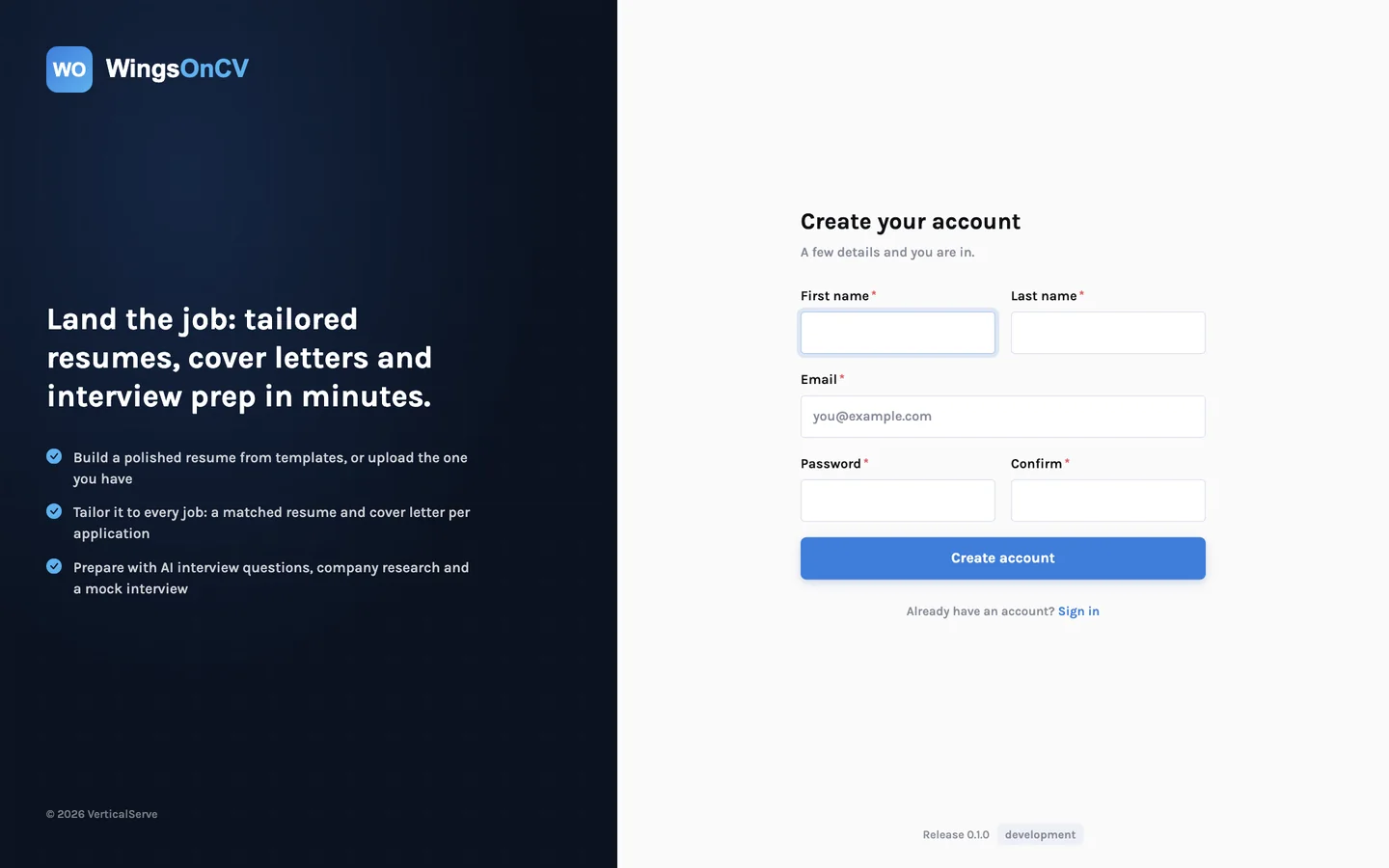
The two forms that anyone on the internet can submit without an account, creating an account and asking for a password reset, are protected by a "verify you are human" check from Cloudflare Turnstile. It exists to stop scripts from creating accounts in bulk or flooding inboxes with reset emails. For most people it is a single tick box.
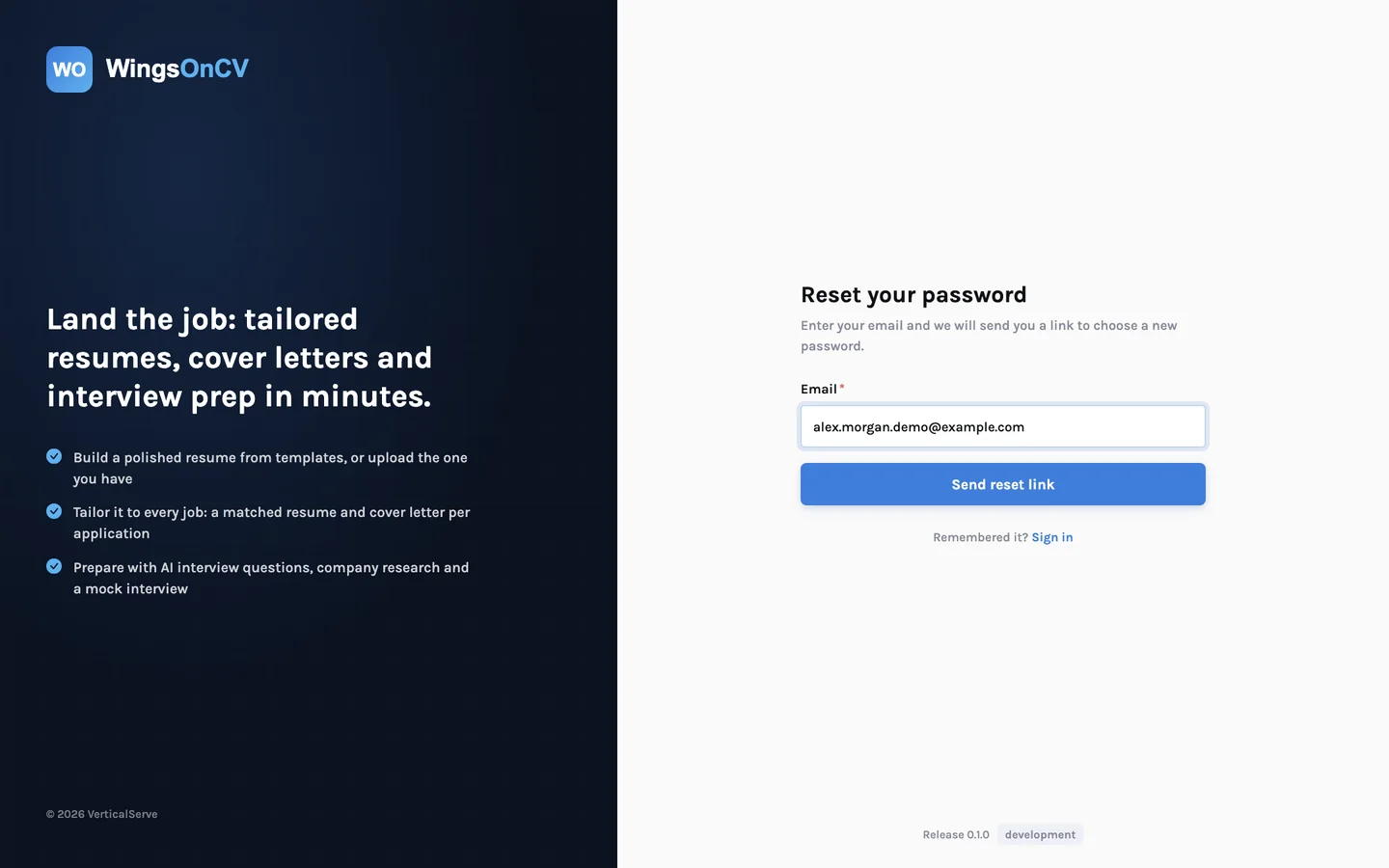
If you forget your password, the reset form answers the same way whether or not the address has an account, so it cannot be used to find out who is a user. The link it emails works once and expires after a short time.
2. Ownership
Being signed in is not enough to see a document. Each read, edit, download and delete is checked against the account that owns the item. We tested this the direct way: a second account asking for the first account's resume, application or letter is refused.
3. Limits
AI features cost money each time they run, and a service like this is an obvious target for someone who wants free model access or simply wants to run up a bill. Three kinds of limit address that.
- A daily allowance per person for each kind of AI action (tailoring, reviews, rewrites, reading an upload) and for PDF exports. The allowances are set well above what a real job search uses.
- A ceiling for the whole service, so that even many accounts acting together cannot exhaust it without limit.
- Checks on what is uploaded. Only PDF and Word files are accepted as resumes, files and pasted text have a maximum size, and a file is checked to be the type it claims to be.
The practical effect for you is availability. Limits are what keep one abusive script from making tailoring slow or unavailable for everyone else on a Sunday evening before applications close.
4. What the AI providers receive
When you use an AI feature, the text involved is sent to a model to produce the result: your resume content, and the job posting if there is one. We use Anthropic's models through Amazon Bedrock and models from OpenAI. They process the text and return a response. The model has no access to other accounts, cannot browse the web on your behalf, and cannot send anything anywhere.
The rules those models work under, including the one that forbids adding facts to your resume, are described in why our AI is not allowed to make things up.
What we hold, and why
| Data | Why we hold it | Who else processes it |
|---|---|---|
| Name, email address, password hash or Google identity | To sign you in and send account email | Our hosting provider; Google if you use Google sign-in |
| Resume files and resume content | To store, edit, display and export your resumes | Hosting; AI providers when you use an AI feature |
| Job postings, tailored resumes, cover letters, interview questions, tracker notes | To produce and keep the documents for each application | Hosting; AI providers when the documents are generated |
| A count of AI and export actions, with times | To apply the daily limits | Hosting only |
| Technical logs: address, time, action requested | Security and fixing faults | Hosting only |
Two things are deliberately absent. The app has no advertising or cross-site tracking. And on this website, analytics is loaded only if you choose "Allow analytics" in the banner; if you decline, it is not loaded at all. The full detail is in the privacy policy.
What you can delete
- A resume. Deleting it removes the resume and the file you uploaded for it.
- An application. Deleting it removes the posting, the tailored resume, the cover letter and the questions that belong to it.
- Your whole account. Write to us from the email address on the account, as described in the privacy policy, and we will delete the account and everything in it.
What is not done yet
This is a real gap. We would rather you hear it from us.
There is no delete-my-account button
You can delete individual resumes and applications yourself, but removing the whole account currently means emailing us. A self-service option is planned.
We also make no claim that the service cannot be breached. No system can honestly promise that. What we can say is that access is checked at more than one layer, that the public forms and the costly features are protected against automated abuse, and that if we learn of a breach affecting your data we will tell you.
What you can do on your side
- Sign in with Google, or use a long password that is unique to WingsOnCV.
- Leave government identity numbers, bank details and your date of birth off your resume. Employers do not need them at the application stage.
- Consider a city and region instead of a full street address.
- Delete resumes and applications you no longer need.
- Sign out on shared or public computers.
See for yourself
Create an account, upload one resume, and look at what is stored under it. If something here does not match what you find, tell us.
Create your account