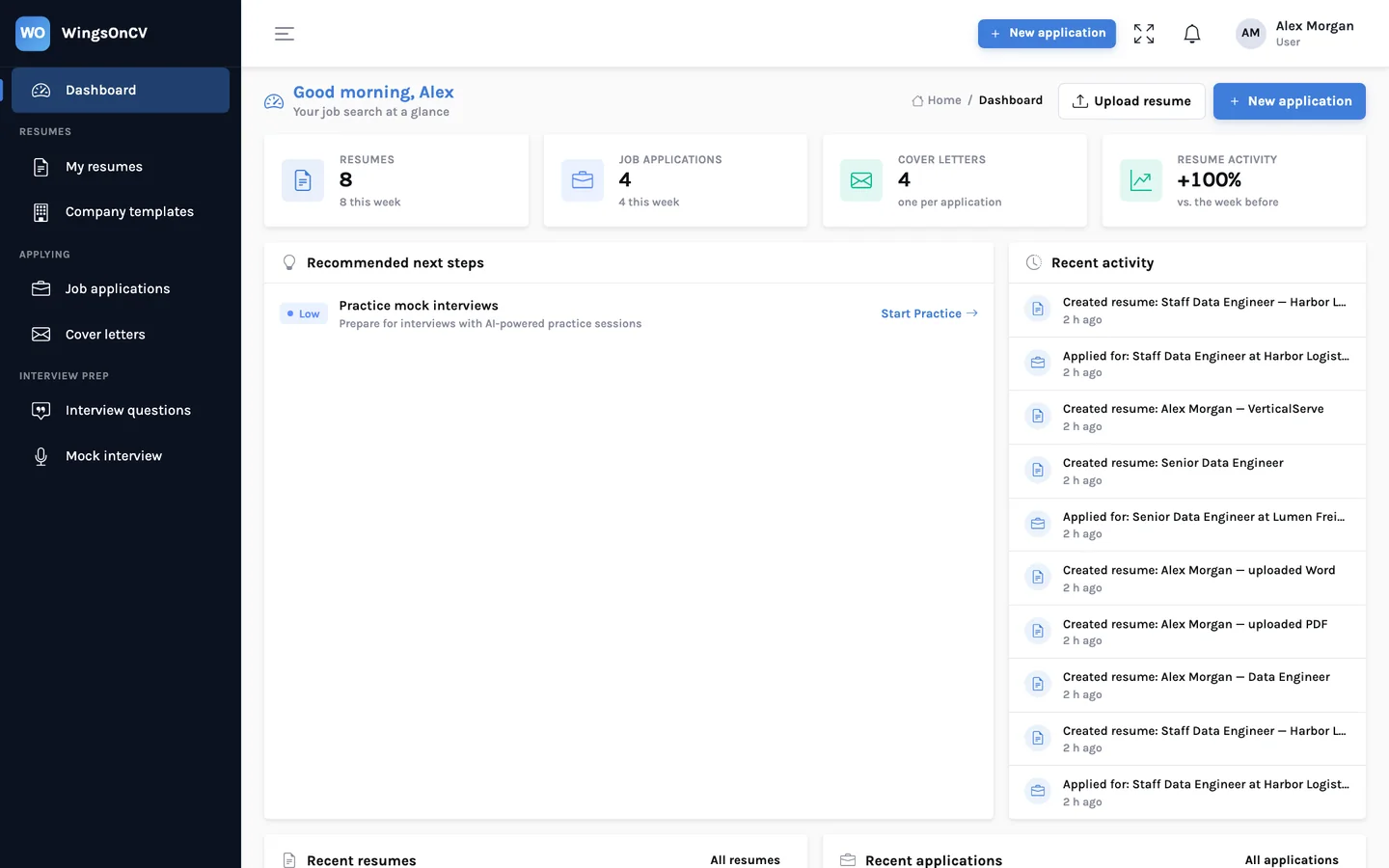
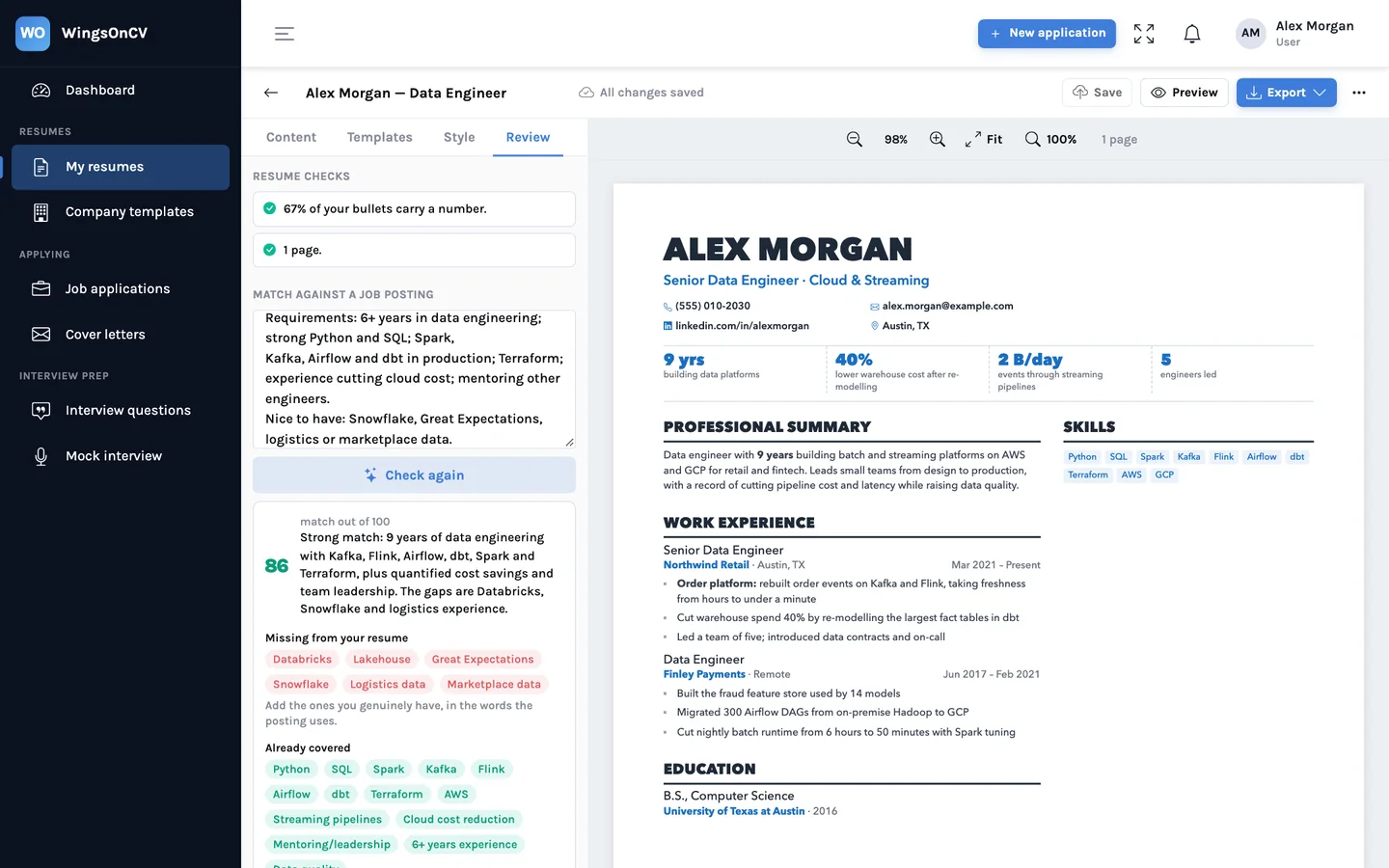
Open a two-page resume from almost any builder and look at the bottom of page one. There is a fair chance you will find a section heading sitting alone with nothing under it, or a job title on one page and its bullets on the next. Nobody chose that. It happened because the tool treated the resume as one long scroll and let the printer decide where to cut.
A resume is still read as a document: printed, attached as a PDF, opened in Word by a recruiter. So WingsOnCV works out the pages itself, on screen, while you edit. This post explains what goes wrong with page breaks, how the builder decides where each page ends, and why the files you download have the same pages you were looking at.
Three ways a resume breaks badly
| What you see | Why it happens | What the reader concludes |
|---|---|---|
| A heading alone at the foot of a page | The heading fitted, its first entry did not, and nothing tied the two together | Careless formatting, on a document about attention to detail |
| A role split from its bullets | The page ended between the job title line and the list under it | They have to flip back to see whose achievements these are |
| A sidebar that runs out | In a two-column layout the narrow column is cut at the same point as the wide one, wherever that falls | Skills or contact details vanish, or page two has a blank strip down one side |
The usual workaround is trial and error: export, look, add a blank line, export again. Change one bullet and every break below it moves.
How the builder works out the pages
The builder does three things, in this order, every time the content or the style changes.
- The content becomes blocks. A block is the smallest piece that should never be cut in half: the header, a section heading, the title lines of one role, a single bullet, one degree, one row of skills.
- Each block is measured. A hidden copy of the resume is laid out with your template, fonts, sizes and column widths, and the real height of every block is read from it. Nothing is estimated from character counts.
- The blocks are packed onto pages. Going down the list, each block is placed on the current page if it fits. If it does not, a new page starts. Two-column templates are packed one column at a time, so the sidebar and the main column each get their own breaks.
The rules the packing follows
Fitting blocks onto pages is the easy part. The rules about which blocks must stay together are what make the result look like someone laid it out by hand.
| Rule | What it does | What it prevents |
|---|---|---|
| Keep a heading with its first entry | A section heading is only placed if the entry after it also fits. Otherwise both move to the next page. | A heading alone at the foot of a page |
| Keep a role's title with its first bullet | The title lines of a role are only placed if the first bullet under them also fits. Otherwise the title moves on with its bullets. | A job title at the foot of a page with its achievements overleaf |
| Never cut a block | A bullet, a degree or a row of skills is placed whole or not at all. A long role may continue on the next page, but only between bullets. | A sentence that starts on one page and ends on the next |
| Repeat the heading when a section continues | If a section carries over, its title is drawn again at the top of the next page with "(continued)". | A page that opens on a role with no context |
| Pack each column separately | The sidebar and the main column each flow onto the next page at their own point. | A sidebar that is cut off or leaves a blank strip |
| Honour manual breaks | A page break you set on a section always starts a new page there. | The tool overruling a decision you made on purpose |
When you want to decide for yourself
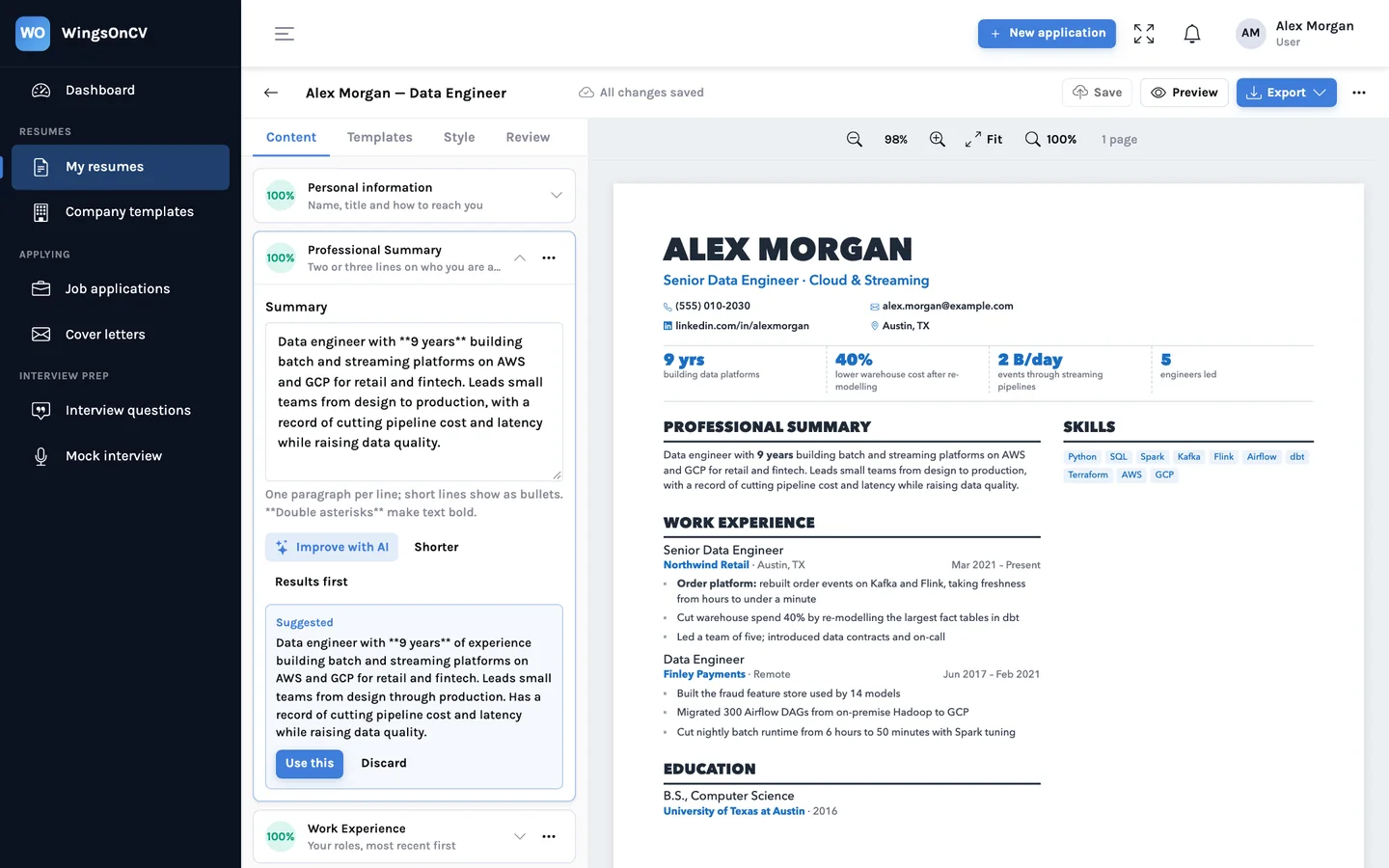
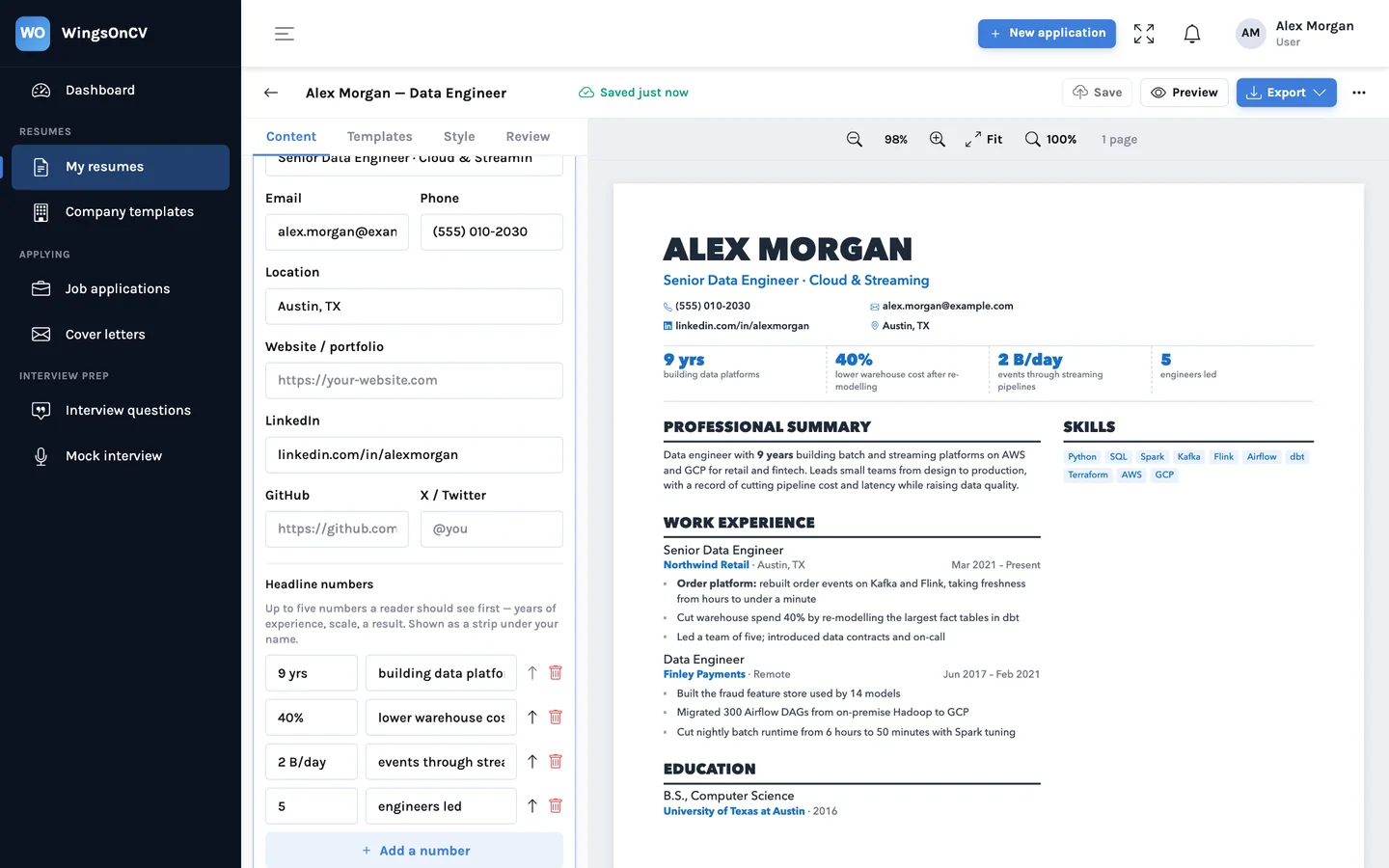
The rules give a sensible default. Sometimes you want something specific: education at the top of page two, or a projects section pushed over so that page one ends cleanly after your current role. Each section has a small toolbar on its heading for that.
- Drag the section to a new position, or move it up or down one place.
- Flip it to the other column in a two-column template.
- Start a new page before it. The break stays with the section if you move it later.
- Add a section after it, or rename the heading.
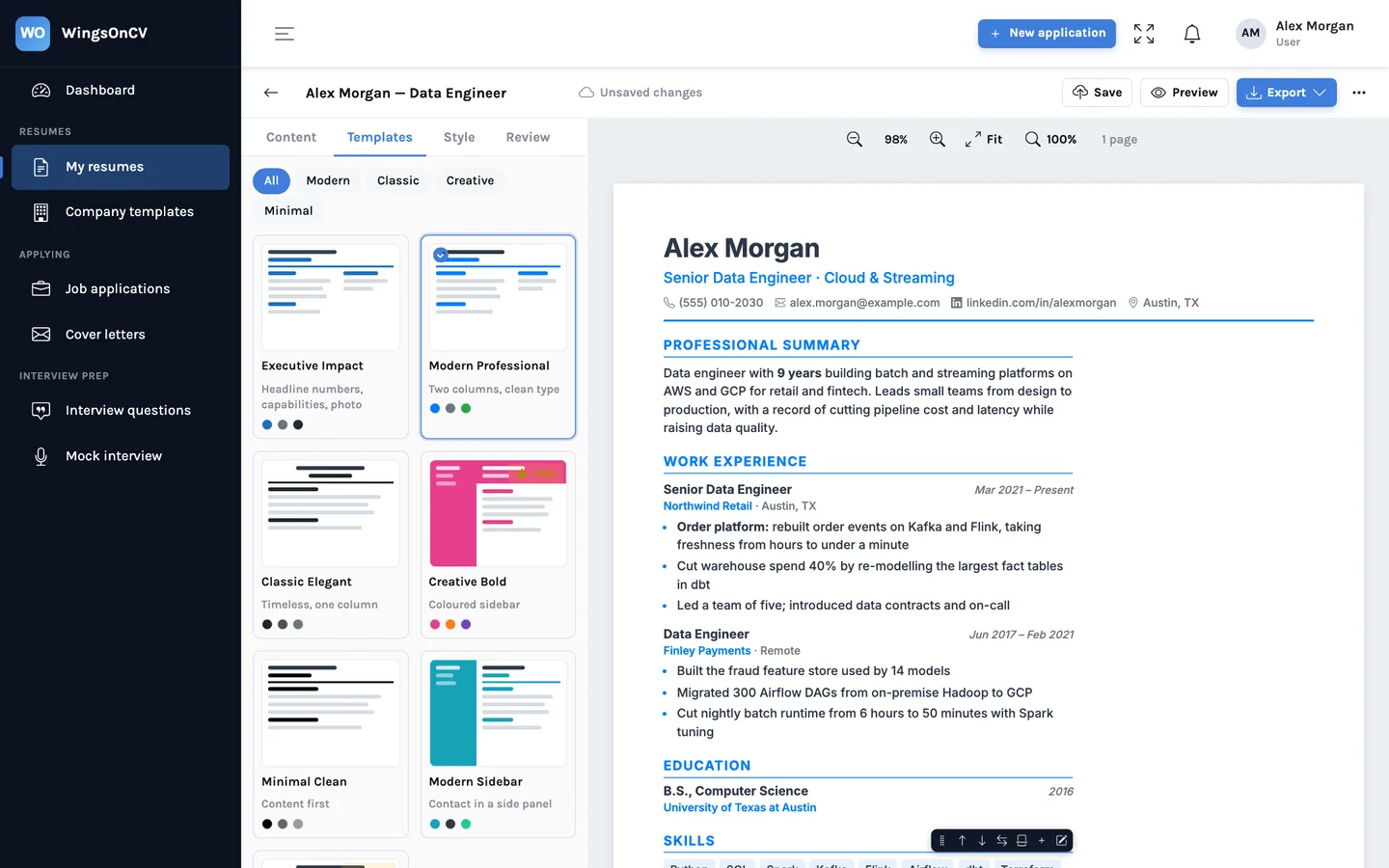
The pages re-flow as soon as you let go. If a move tips the resume onto a third page, you see it at once.
Paper size and spacing change the answer
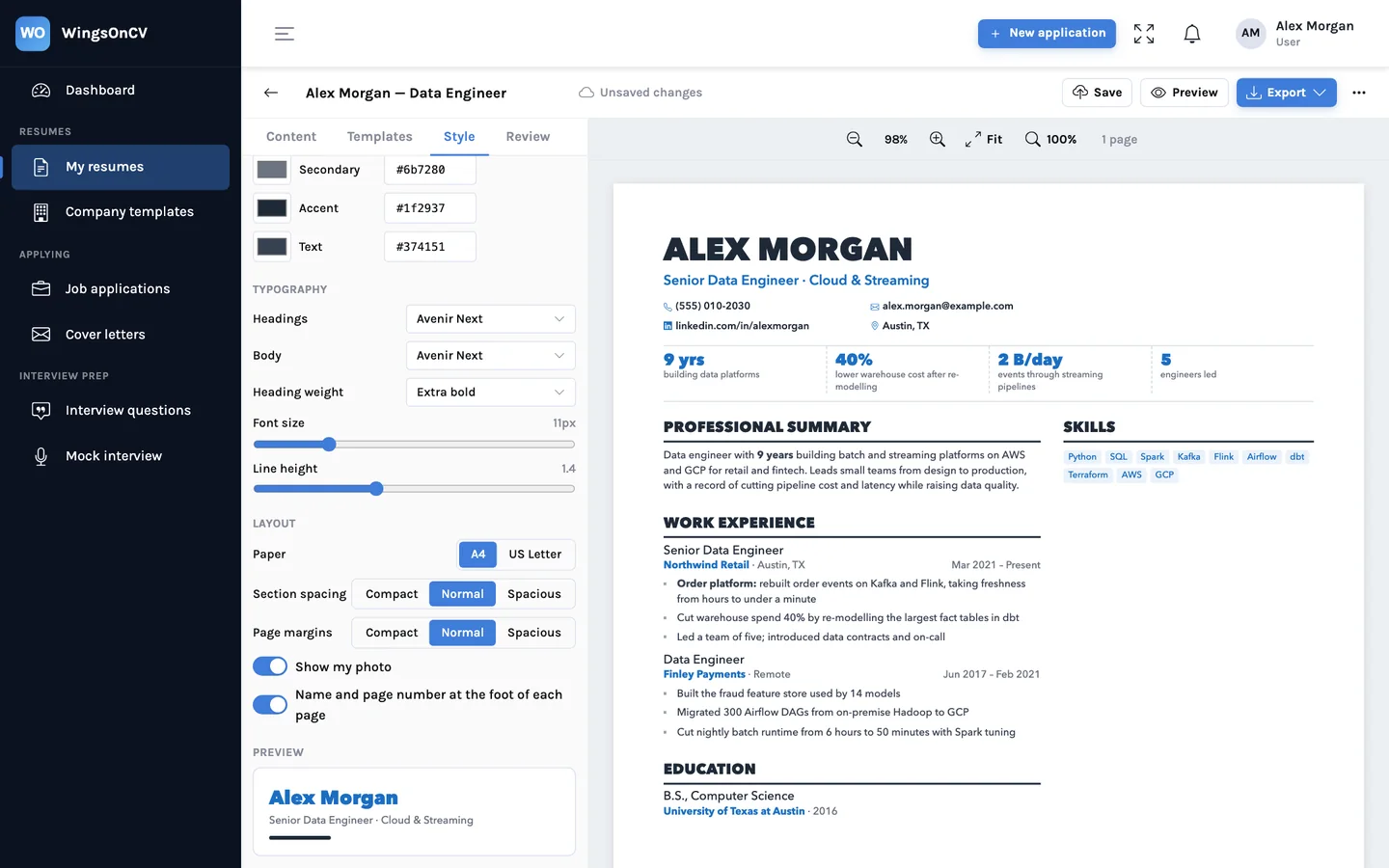
A4 is taller and narrower than US Letter. A resume that fills two A4 pages exactly can run a few lines onto a third on Letter, or the other way round. The Style tab has both, and the pages are recomputed for the one you pick, so choose the size used where you are applying before you fine-tune.
Why the PDF and the Word file match the screen
Working out pages on screen would be pointless if the download disagreed. The two exports are made differently, and both start from the same layout.
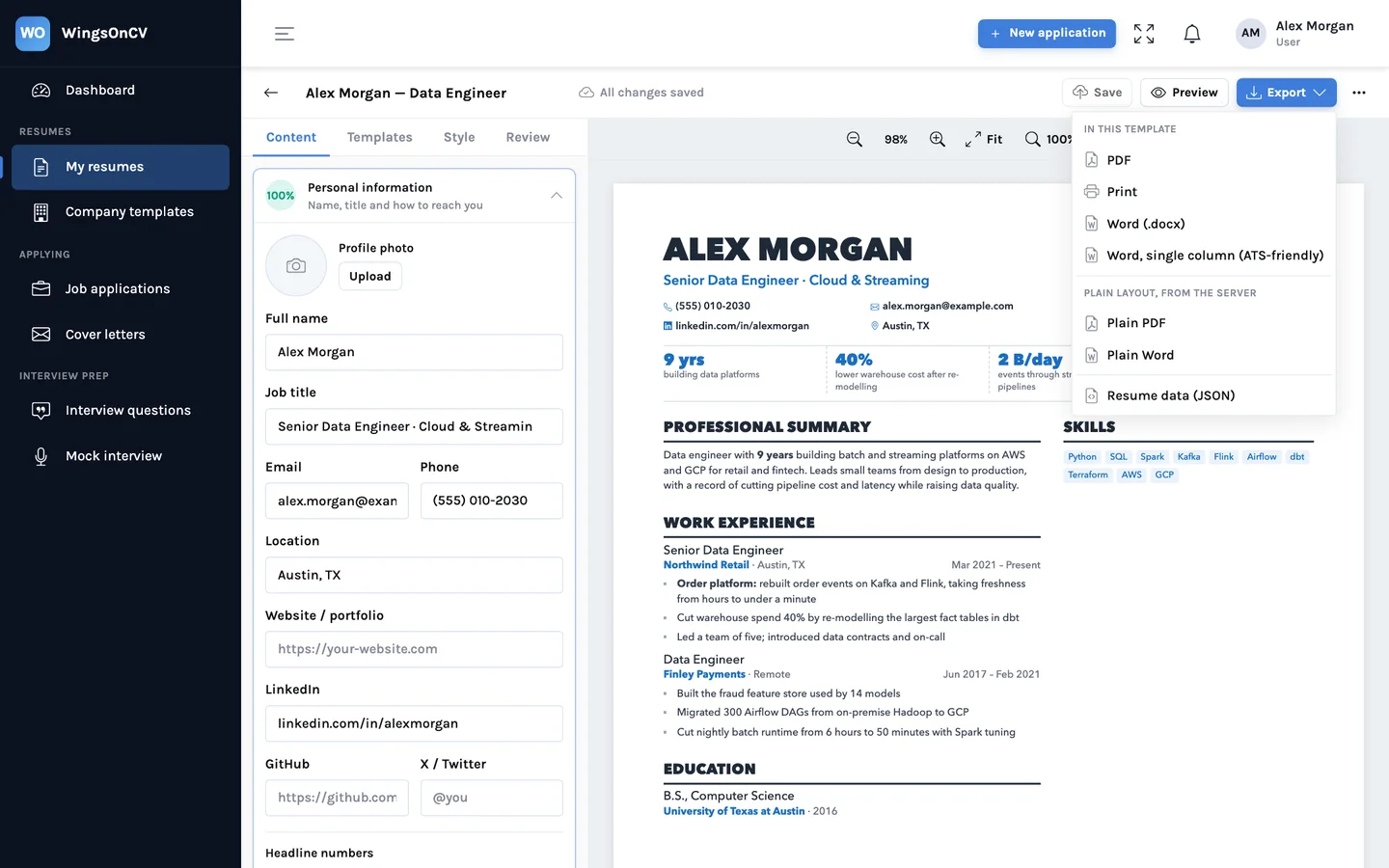
- PDF. The pages you see are sent to be rendered as they are, and each one becomes one sheet of the PDF. The breaks cannot move because they were decided before the PDF was made. There is no print dialog and no scaling to get wrong.
- Word. A .docx is a different kind of file: Word lays out the text itself when it opens. So the builder writes a Word document with the same structure, columns, fonts and order, and Word paginates it. Expect it to look the same; expect the odd line to fall differently, because Word measures text in its own way.
- Word, single column. The same content in one top-to-bottom flow. Some application systems read a file from top to bottom and handle columns poorly, so this version is there for upload forms. More on that in PDF or Word, and what application systems do with them.
One honest limit
The PDF is exact. Word is a faithful rebuild, not a photograph. If an employer needs a .docx and the page breaks matter to you, open the file once in Word before you send it.
A short check before you send
- The page count in the toolbar is the one you intended.
- No page ends on a section heading or on a job title with nothing under it.
- A section that continues shows its title again with "(continued)".
- The paper size matches where you are applying: Letter in the US and Canada, A4 almost everywhere else.
- The last page is at least a third full. If it is not, try compact spacing before cutting content.
- You opened the file you are about to send, not only the screen.
A page break is a layout decision. It should be made where you can see it, not by whichever program opens the file last.
See the builder and export sections of the features page for each control.
See your own resume as real pages
Upload the resume you have and look at where its pages end. Then move a section and watch them re-flow.
Create your account